Resource Network- Creating a need checklist
Written By Stacey Kessler
Last updated About 2 years ago
Identify the needs you have on the specific initiatives you are working on within VISION.
Note- the initiative will need to be in VISION in order to create a need and you will need to be a lead or a manager of that initiative
Examples of potential needs- Software licenses, funding, manpower hours, subject matter expertise, 3D printer etc
Navigate to Resources —> Needs from the left navigation
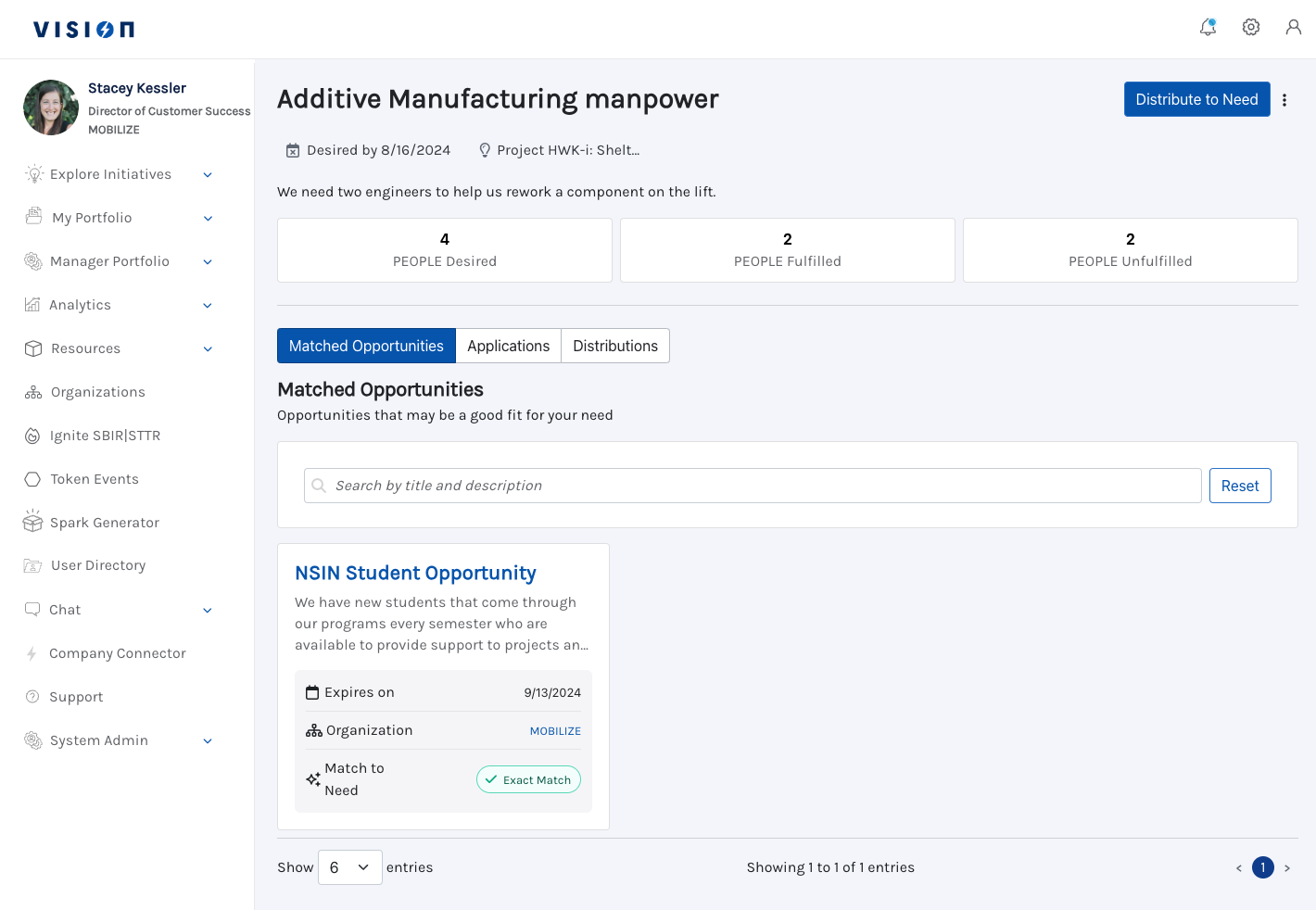
Click Create Need and add the fields below.
Select the Initiative that has a need
Name of the need
Description of need
Cost centers- does your need require a particular type of funding
Identify the amount and unit of your need
Add date the need is desired by
Click Create and Go to Need
Edit a need
Click the stacked three dots in the corner of the need to edit or archive the need